Holiday Management
You now have the capability to manage your holidays through the BookRX platform.
Adding a New Holiday
To add a new holiday, follow these steps:
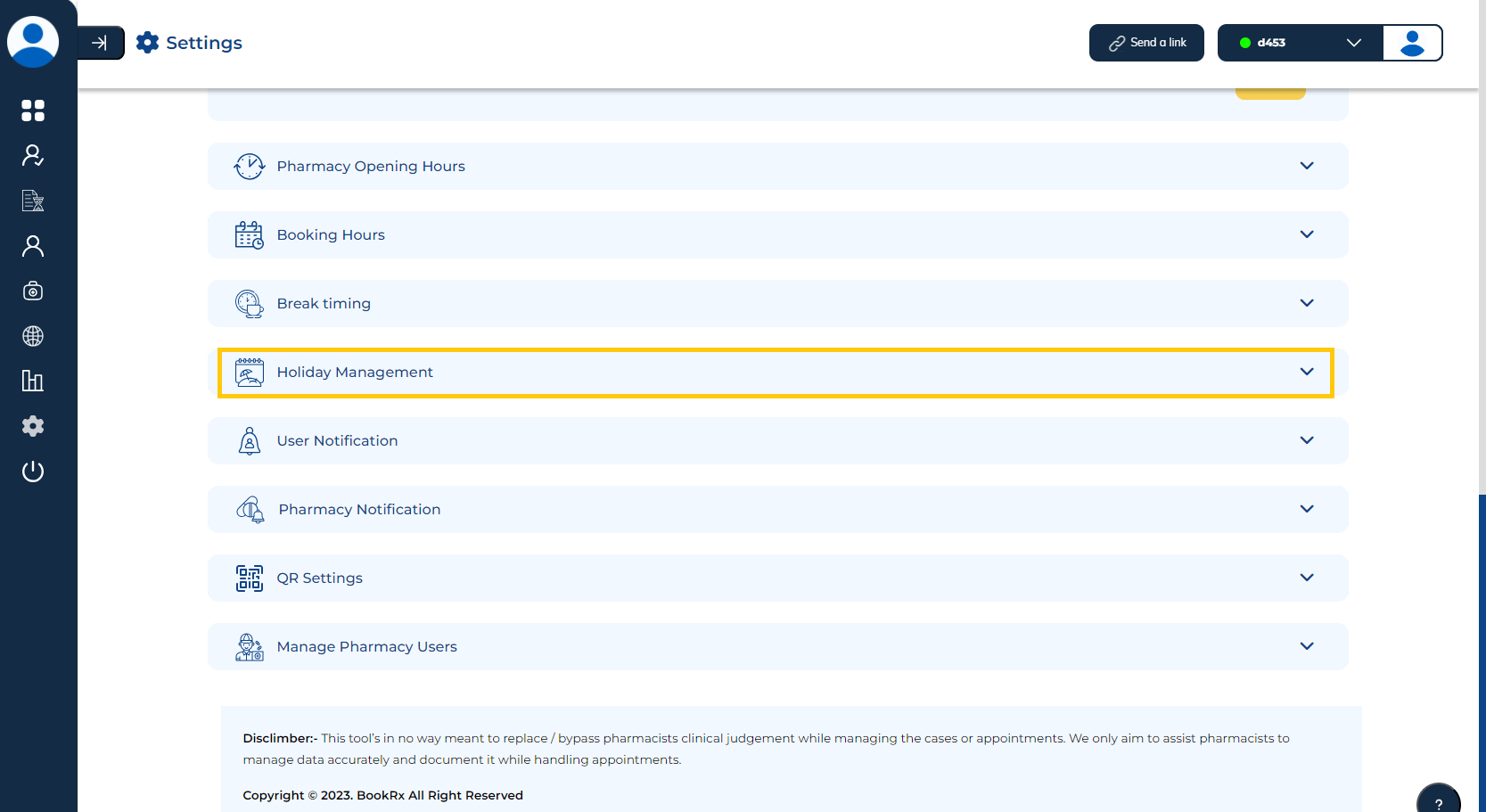
- Click on the dropdown menu located within the "Holiday Management" tab.
- Click the "Add" button to add the holiday.
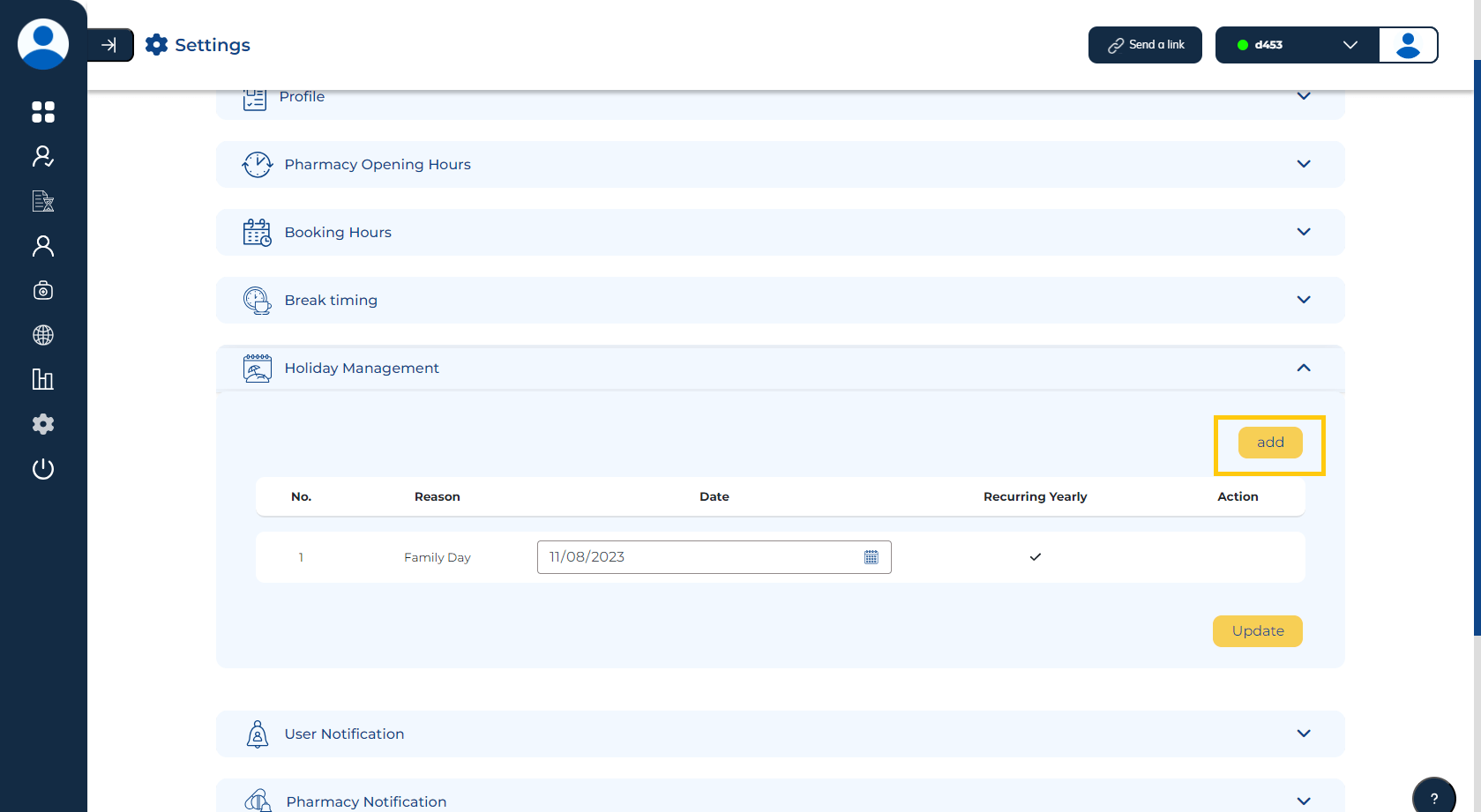
Add your holiday details.
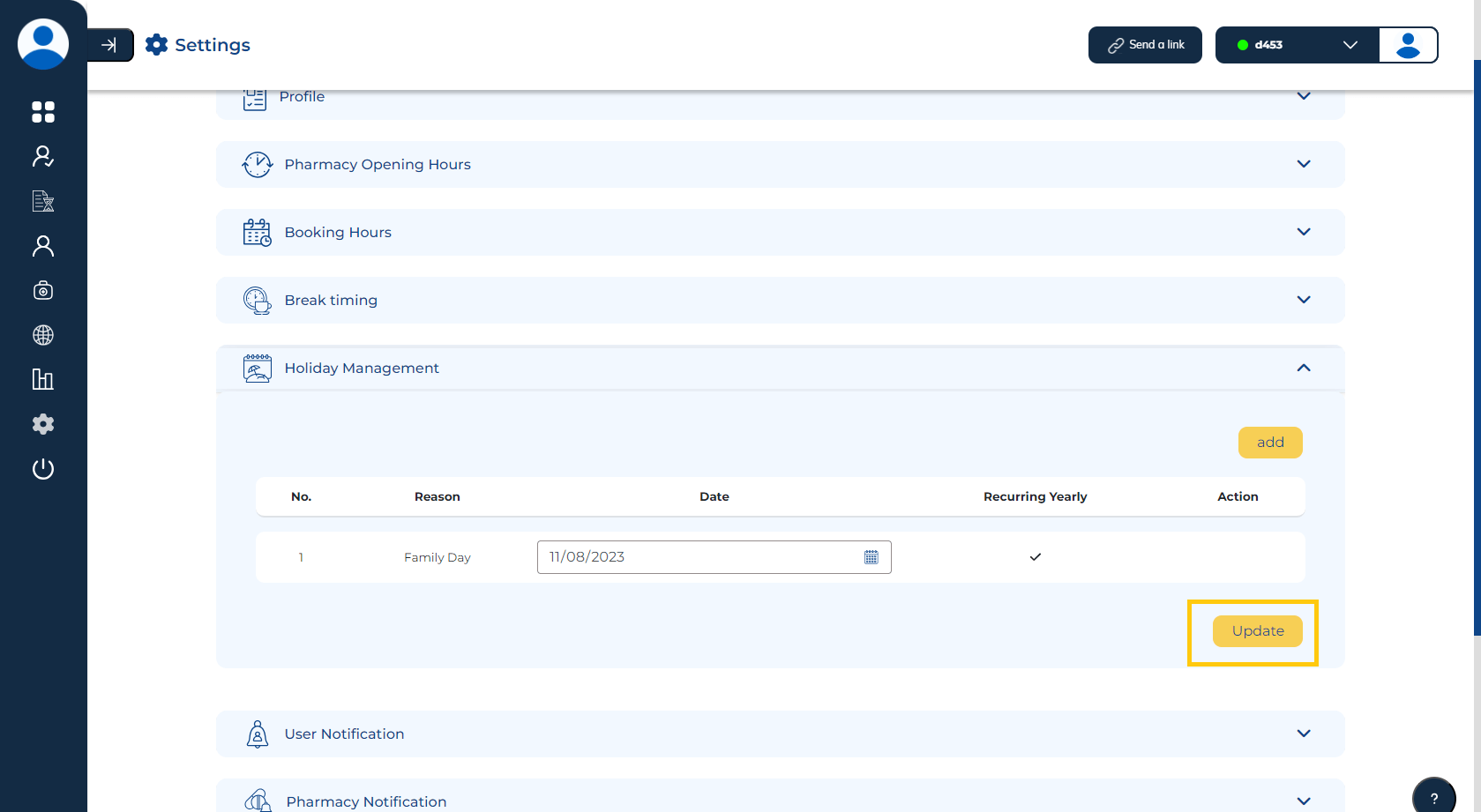
Make sure to click on "Update" to update your holiday list.
Removing Holiday
To remove a holiday, follow these steps:
- Click on the dropdown menu located within the "Holiday Management" tab.
Press the "Delete" icon in the action column next to the holiday you want to remove.
Make sure to click on "Update" to update your holiday list.